Product support
SCENE Bar support
Setup guidance for this illustrative product concept. Consult verified manufacturer instructions for real equipment.
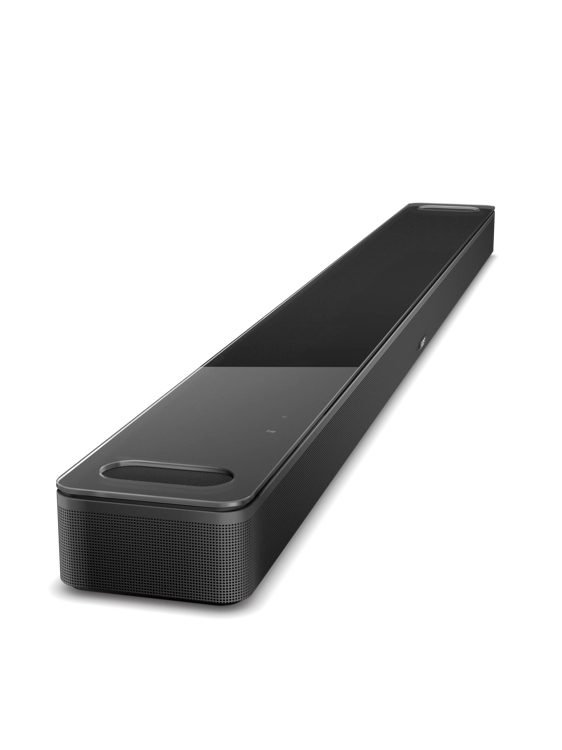
Get started.
- Check your TV connection before placing the soundbar. The planner supports HDMI eARC and optical concepts.
- Place the soundbar below the screen, with space around it. Keep cables clear and accessible.
- Select the matching TV audio output. Add a companion bass module only if the setup supports it.
Compatible accessories
No additional accessories are configured for this concept.
Care and storage
Keep connections clean and dry. Use a soft cloth on exterior surfaces. Do not open batteries, power adapters or speaker enclosures; use the verified manufacturer’s service process for real equipment.
Need another step?
Preview a service request or contact support. Nothing is submitted in this sample.